Freelancer invoice template
Freelance Invoice Template
Use this template when billing clients for freelance work, hourly retainers, project milestones, revisions, and reimbursable expenses.
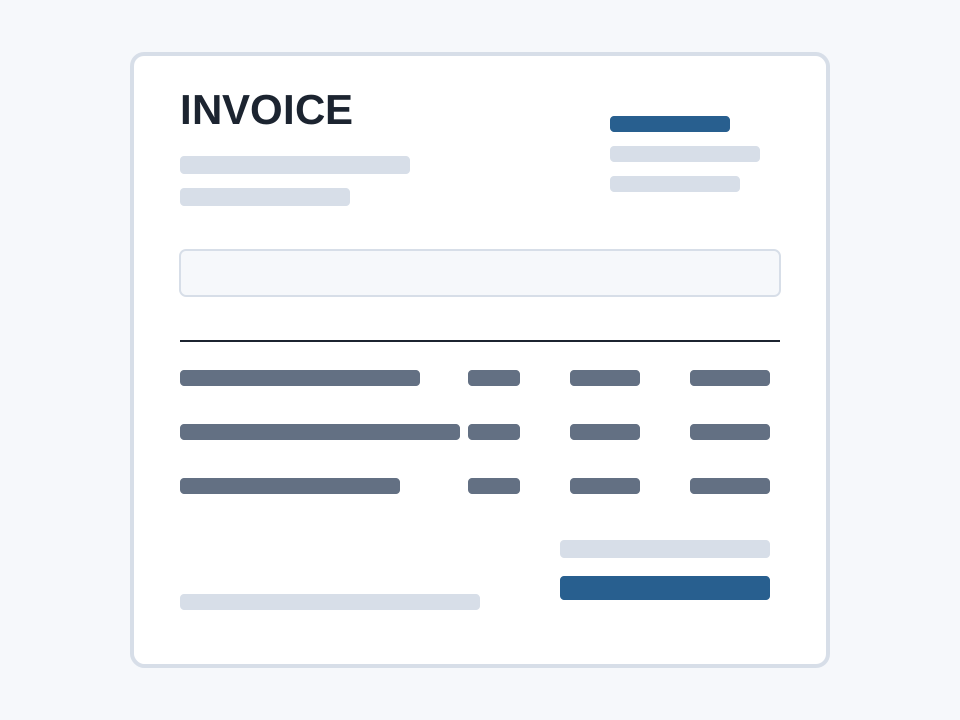
Choose your invoice format
Word is an editable blank form with manual totals. Excel includes a blank invoice and a separate fictional worked example, with formulas for tax and balance due. These downloads are reusable templates; they do not contain your current online draft. No sign-up required.
Free invoice builder
Create and check your invoice
Choose a currency, itemize the work, then subtract payments already received. No account required. Currency selection labels amounts; it does not convert them.
Starting editor…
Print / Save PDF opens your browser’s print dialog; select Save as PDF to create a file. CSV includes invoice details and totals, but is a data export, not a formatted Excel workbook.
Freelance invoice example with a project deposit
This fictional example uses USD, invoice EXAMPLE-001, a service date of 10 September 2026 and a payment due date of 24 September 2026. Replace every sample detail and rate with your agreed terms; these are not market-rate estimates.
| Description and unit | Qty | Rate | Amount |
|---|---|---|---|
| Website copy milestone — approved delivery | 1 | 800.00 | 800.00 |
| Additional revisions — 3 hours | 3 | 65.00 | 195.00 |
| Approved reimbursable expense | 1 | 30.00 | 30.00 |
Subtotal USD 1,025.00 + tax USD 0.00 = invoice total USD 1,025.00. A USD 300.00 project deposit has already been received, leaving USD 725.00 due. Zero tax is an example assumption, not a tax exemption claim.
Use the editor and choose Load worked example to reproduce these figures, or choose Start blank to make your own invoice.
How to invoice for freelance work
- Enter the seller’s legal or trading name, contact details and the customer’s billing details.
- Use a unique invoice number and the actual invoice, service and due dates. Name the project or purchase order.
- Separate agreed milestones, extra hours and approved expenses. Name the deliverable and use hours as the quantity for hourly work.
- Select the agreed currency, mark taxable lines and enter the applicable rate. Record only payments actually received in Amount already paid.
- Add payment instructions from your agreement. Review the balance, then download CSV or print to PDF and keep a copy.
Deposit, invoice total and balance due
A deposit already received reduces the balance due, not the value of the services billed. Do not add the same deposit as a negative line and also deduct it as Amount already paid. If payments exceed the total, the tool displays a credit / overpayment instead of hiding the difference.
A deposit you are requesting but have not received is not an amount already paid. Use a clearly labelled deposit invoice with the agreed milestone; this editor is not a payment processor or a payment-status verifier.
Before sending a freelance invoice
State whether the fee covers a milestone, a final delivery or an hourly period. Keep extra revisions and expenses consistent with written approvals. Only include late fees, usage rights or delivery conditions agreed with the client and permitted locally.
Invoice requirements and tax
This is a general-purpose template, not a guarantee of legal or tax compliance. Check required invoice identifiers, registrations, tax wording, issue dates and rounding rules in your jurisdiction. If several tax rates or tax-inclusive prices apply, use a suitable local accounting system.
Official starting points: UK invoice requirements and US small-business recordkeeping. These references are jurisdiction-specific, not global rules.
Common questions
Can I get a blank freelance invoice?
Yes. Choose Start blank, confirm that you want to replace the current draft, then fill in your own details. It clears customer data, sample dates, line items, tax and payments. The blank editor has no valid invoice total until you enter a quantity and rate.
Can I save this as PDF or use it in a spreadsheet?
Use Print / Save PDF and choose Save as PDF in your browser. Download invoice CSV exports the details, line items and totals for spreadsheet import. CSV has no layout or live formulas. Review the PDF before sending, especially for long invoices.
Does selecting HKD or another currency convert my rates?
No. The currency code labels the numbers you enter. Confirm the agreed currency and rates before issuing the invoice; no exchange-rate conversion is performed.
Are my invoices saved or sent to a server?
The editor calculates in your browser and does not send invoice fields. Saving is off by default. If you enable Save this invoice in this browser, the draft remains on this browser profile until you turn saving off or start blank. Other people using the same profile may see it. This is not a secure accounting backup.
Consulting invoice template for advisory engagements.