Free printable invoice builder
Simple Invoice Templates
Create a clean invoice, edit line items, calculate totals, copy a template, download line items as CSV, and print or save a professional invoice as PDF.
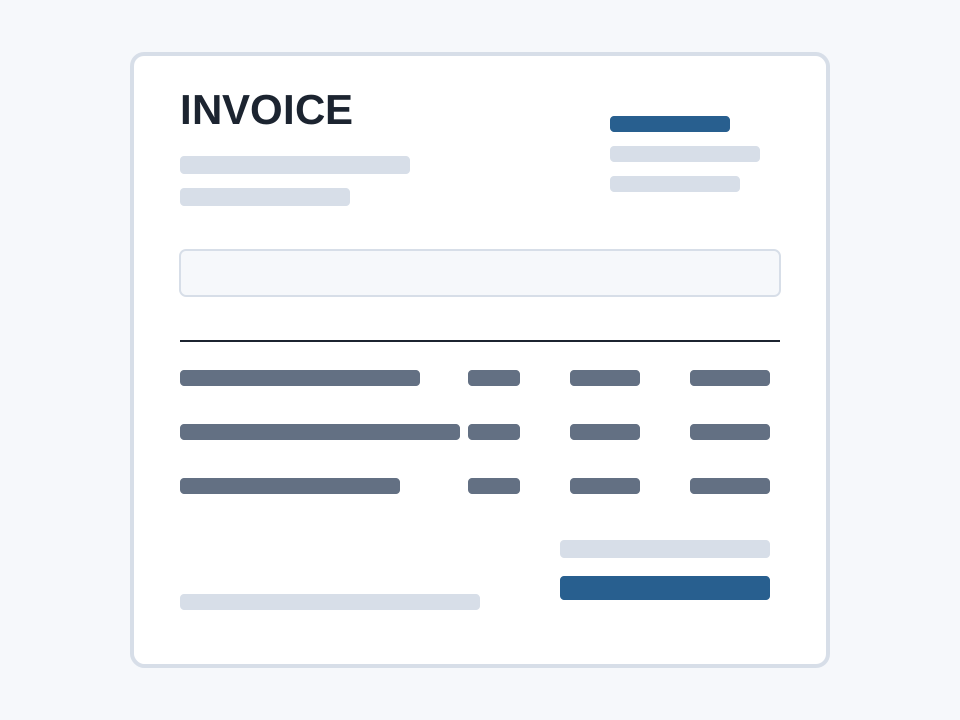
Invoice builder
Simple Invoice Templates Builder
Edit the invoice fields, adjust line items, add tax if needed, then copy, download CSV, or print/save as PDF.
Total
$0.00
Fast answers
Simple Invoice Template Quick Answers
Extra guidance
Helpful Details For This Invoice
How To Choose A Template
Start with the template that matches how the work is sold. A good invoice should make the client understand the charge without needing a long email.
- Use hourly line items for ongoing freelance or consulting work.
- Use labor, materials, and change orders for contractor or trade work.
- Use service date, property address, and recurring notes for cleaning or landscaping clients.
Before Sending
A simple invoice works best when the administrative details are consistent from job to job.
- Use unique invoice numbers and keep a copy in your records.
- Confirm the due date, payment method, and tax treatment before sending.
- Add a short note when payment depends on a contract, milestone, or deposit.
Template fields
What To Include
- Business name and contact details
- Client name and billing address
- Invoice number and invoice date
- Due date and payment terms
- Line items, quantity, rate, tax, and total
Practical notes
Invoice Tips For freelancers and small business owners
Use clear line-item names so clients know what they are paying for.
Keep invoice numbers consistent across your records.
Confirm tax and invoice requirements for your location before sending.
Frequently Asked Questions
Can I save this invoice as a PDF?
Yes. Use the Print / Save PDF button and choose Save as PDF in your browser print dialog.
What should a simple invoice include?
A simple invoice should include seller details, client details, invoice number, dates, line items, quantities, rates, subtotal, tax if needed, total, and payment terms.